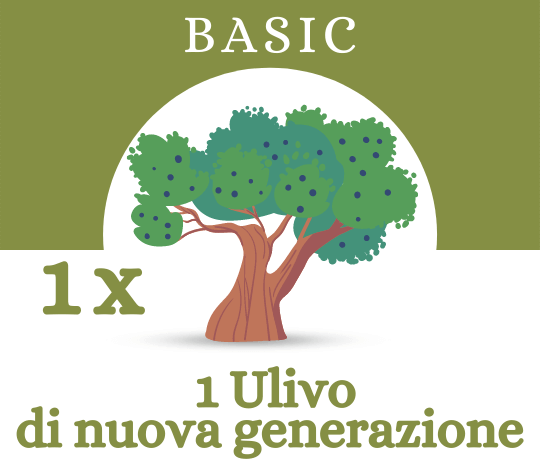
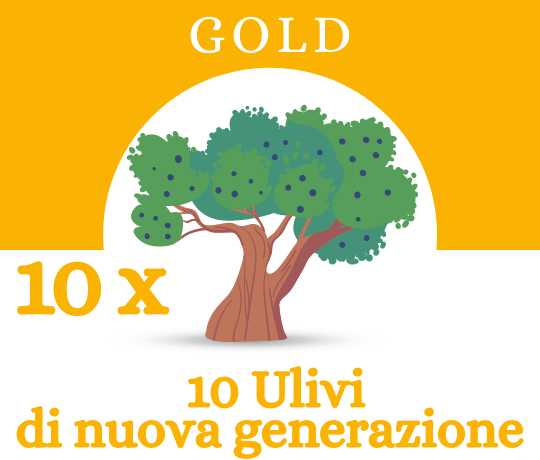
 Age: 1 year
 Plants 1 new Olive tree
 CO2 absorbed: 150 kg/year
 Evo oil included: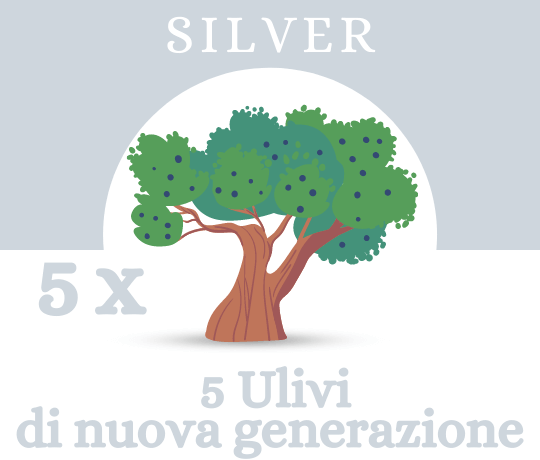




Introduction – What Is the Purpose of Renewal?
Are you already part of the OlivaMi family and want to find out how to renew your adoption?
Before we walk you through the simple steps to follow, let’s explain why adoption is an annual process and why renewal is necessary.
The sponsorship period is annual, with the option for optional, manual renewal: we will send an email to those who have completed their sponsorship when the plan expires to ask whether they would like to continue supporting our project.
By renewing your adoption, you’ll continue to support the care of your olive tree and help fund the donation of another young tree; you’ll also continue to receive the olive oil included in your plan.
How do you renew an adoption?
Renewing your adoption takes just a few clicks, which we’ve broken down into 3 very simple steps.
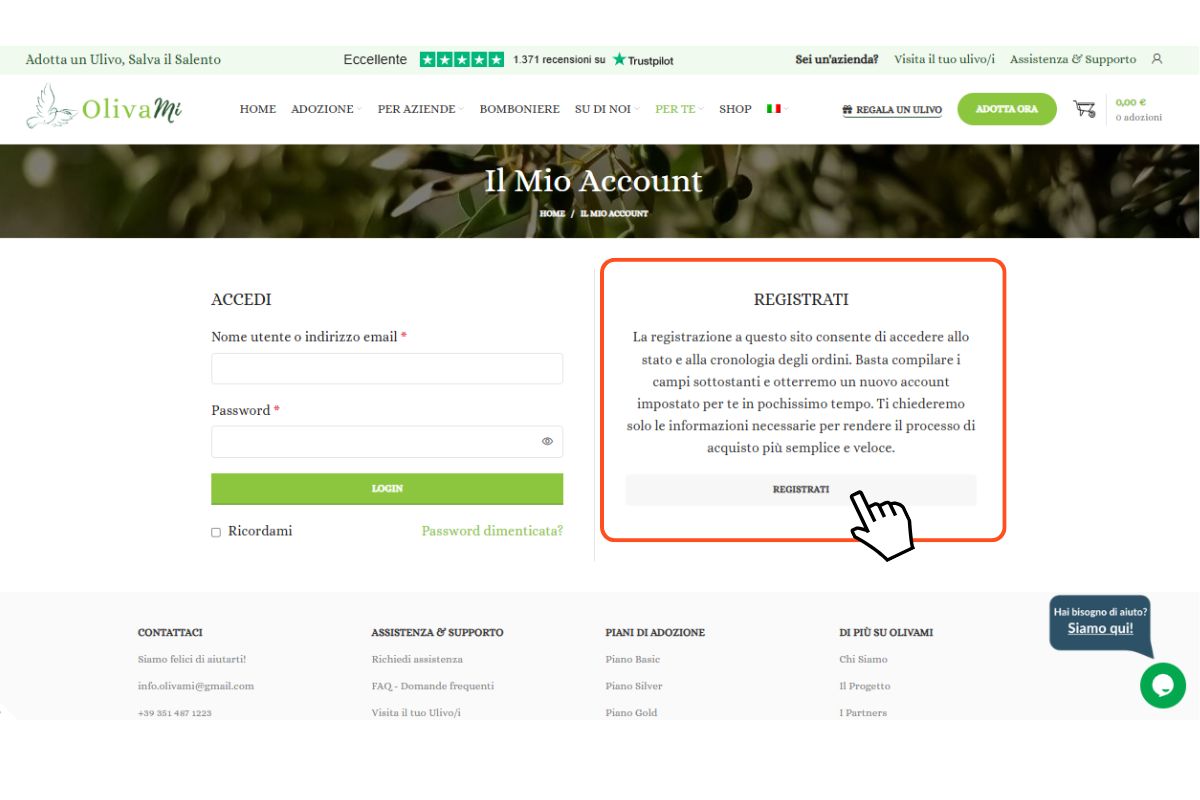
STEP 1: Log in to your Personal Area
When you adopt an olive tree, an account is automatically created that lists all your adoptions and the corresponding adoption certificates.
Simply log in to your account by entering your email address and password (which we sent you via email at the time of adoption); if you prefer, or if you don’t remember it, you can reset it by clicking on“Forgot your password?”


STEP 2: Choose the adoption you want to renew
Once you log in to your Personal Area, you’ll find the “Subscriptions” section. It will list all the subscriptions you’ve made, along with all the information you’ve entered for each one.
Then click the “View” button next to the adoption you wish to renew.
STEP 3: Confirm Shipping Information
At this point, the summary page for your adoption will open. You’ll see a“RENEW”button, or—if you scroll through the related orders—a“PAY” buttonnext to the new renewal order that has been generated (this applies only if your adoption has already expired).
Clicking here will open the payment page, where you can choose a payment method and confirm or change your shipping information.
Should I have the recipient of the gift renew it?
The email notifying the recipient of the adoption’s expiration will be sent only to the person who made the adoption (not to the recipient of the gift—to prevent them from receiving the charges for the adoption and any shipping costs).
If the recipient wishes to renew the adoption they received as a gift, they can REGISTER and create an account on our website: www.olivami.com/mio-account/ and then contact us via email at info.olivami@gmail.com , providing the adoption code listed on the adoption certificate and the email address used to create their account. We will then transfer the adoption to their account.